

Everything about your printer in one place
Digital Scan works with every printer your system knows, and can find and add new printers on your network.
-
Print
Drop a file, pick a printer and print. Copies, colour, double-sided printing, page selection and Save as PDF. The app renders PDFs, images and text itself, so the settings work the same on every printer.
-
My printers
Plain-language status (offline, out of paper, paper jam), ink and toner levels on network printers with an alert when they run low, the print queue and a test page.
-
Fix a problem
The app checks the print service, whether the printer is reachable, its status and the queue, and offers a one-click fix. It also copes with a wrong driver.
-
Find a printer
Finds printers on your network and adds them in one click. No hunting for an IP address or downloading a driver. If it cannot be done automatically, add one by IP address.
-
Scan
From USB and network multifunction devices, from the glass or the feeder. Save the scan as PDF or JPG, print it, or use Copy: scan and print in one go.
-
Text recognition
Saves scans as searchable PDFs: you can find and copy the text, Czech included. Recognition runs right on your computer or phone, nothing is sent anywhere.
-
PDF tools
Merges several PDFs and images into one file, splits a PDF or picks pages from it, rotates pages and shrinks a large file, for example for e-mail.
-
On your phone too
The Android version prints straight to a Wi-Fi printer, scans from a network multifunction device or with the camera with page cropping, and shares the scan by e-mail or WhatsApp.
-
Receipts to Digital Business
Send a scanned receipt or invoice to the Digital Business app in one click and just confirm it as an expense there. On your computer and your phone.
-
Home screen widget
On Android, tap the widget to scan with the camera or print a file straight from the home screen.
-
Czech and English
Czech or English, light and dark theme and a first-run guide. After an update it shows what is new, and you can report a problem right from the app.
-
Free, no account
No ads, no sign-up, no subscription. Your documents stay on your computer and printer; the app does not send them anywhere.
What it looks like
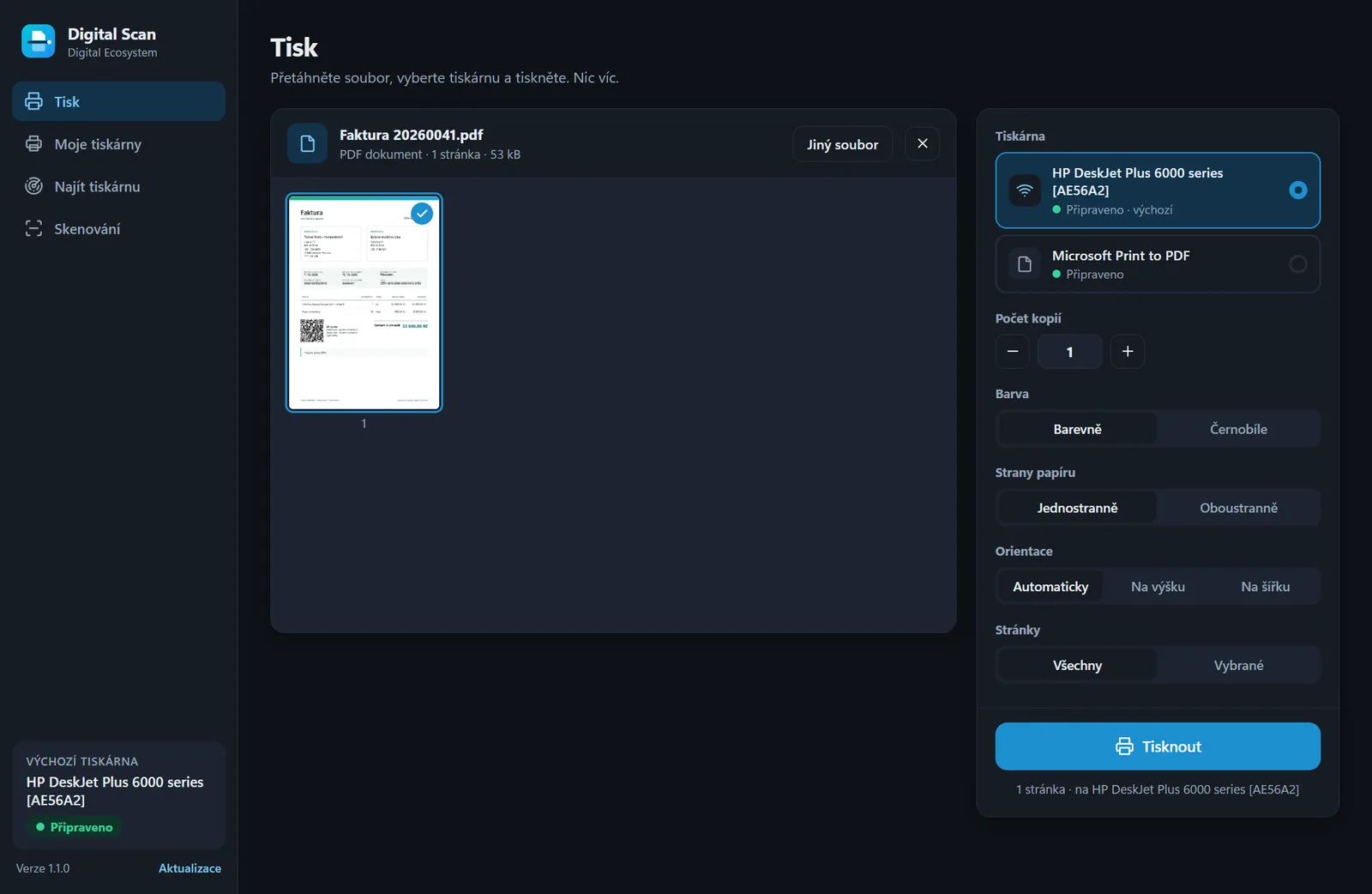
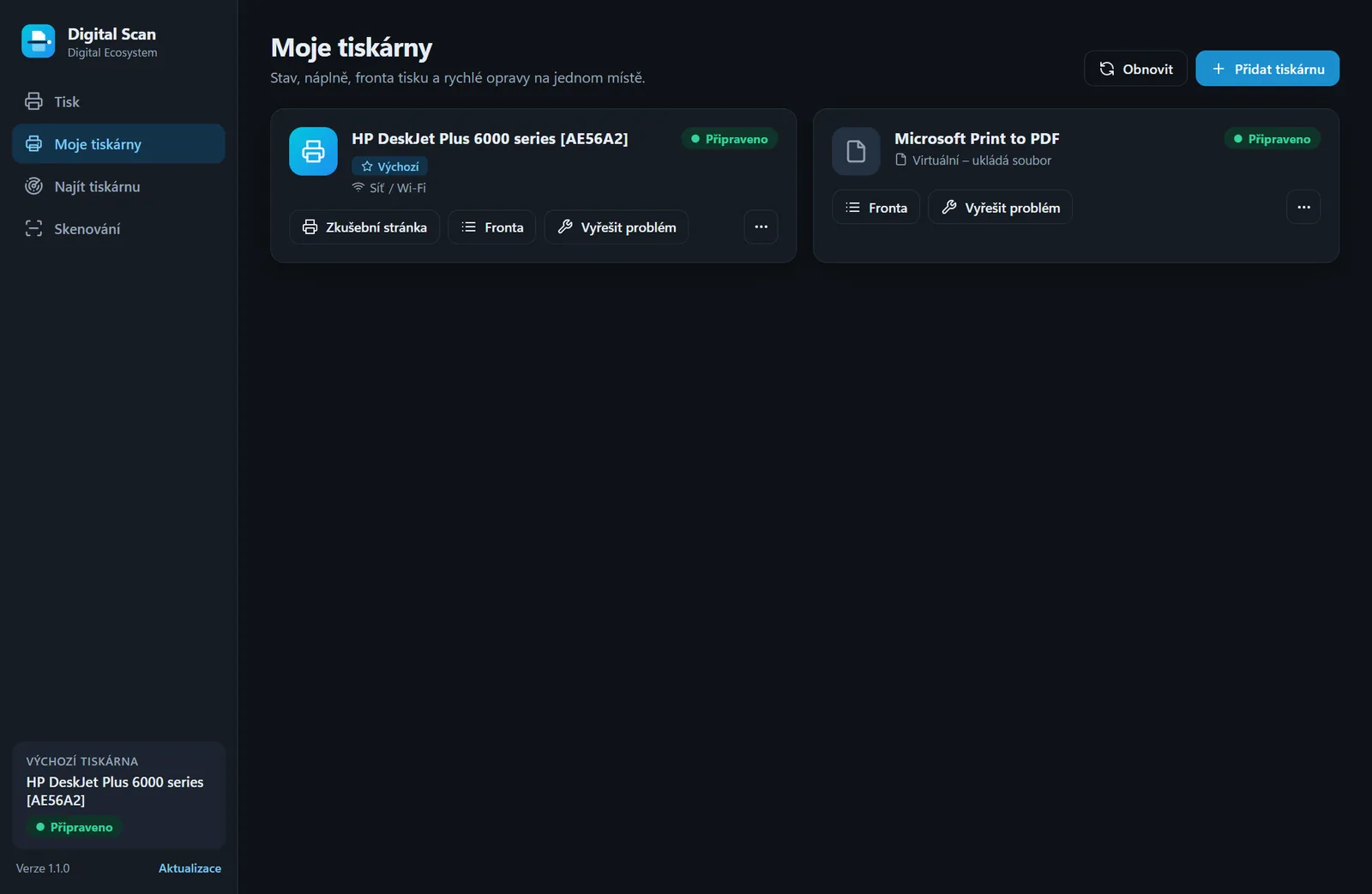
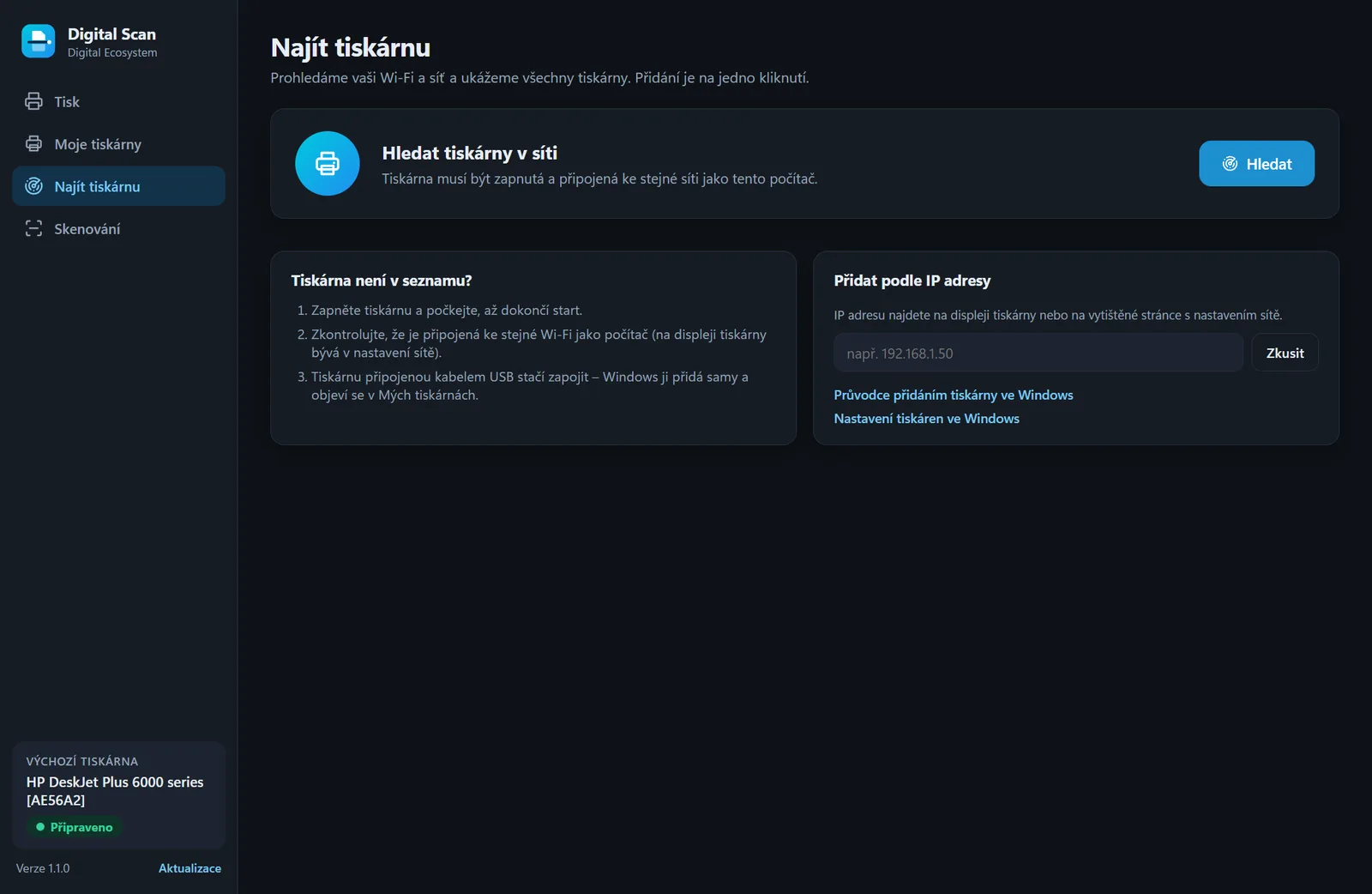
Sample data – nothing real.
Three steps
-
Install
Installation takes a moment and needs no administrator rights. No account, no sign-in.
-
Pick a printer
Digital Scan shows the printers your system knows and finds more on the network. Adding one is a single click.
-
Print or scan
Drop a file, set copies and pages, print. Or scan and save as PDF or JPG.
Download Digital Scan 1.4.1
The app is free. Choose your system.
Windows
Installer (.exe) · version 1.4.14e35c60b443f0f1ec5828b26c5370a01182b5c5ead8696c1c963d77752ec8840Linux
Archive (.tar.gz) · version 1.4.1 Betaec39410e8e3e0a763078204650b4037abe434a41077e8847dd7aa3ab30be616a- Extract the archive:
tar xzf digital-scan-1.4.1-linux-x64.tar.gz - Go into the folder and run
./install.sh. Digital Scan is added to your applications menu. - To uninstall:
~/.local/share/digital-scan/uninstall.sh
Android
APK · version 1.4.1 Betaf1048653e72f60820e1f100887b152b288b9e46cef0a3a7239873e6eb0939486- Download the APK on your phone and open it.
- Android asks whether to allow your browser to install apps. Allow it (just for this install).
- The app then offers new versions itself and downloads them from here.
Windows may show a SmartScreen warning the first time you run it. The installer is not digitally signed yet. Click More info and then Run anyway. You can verify that the file is intact with the SHA-256 checksum above.
The Linux version is still in beta. We offer it as a tar.gz archive and are still testing it on different distributions. If you run into a bug, let us know – that is the fastest way to get it fixed.
Android is still in beta: this version is new and we are only now testing it on real phones – if something does not work, let us know. The app is not on Google Play, you install it from this website. You can check that the APK is intact with the SHA-256 checksum on the Android card; every version is signed with the same key, so only our updates can be installed over it.
What you need
- Windows
- Windows 10 or 11, 64-bit. Printers come from the system; scanning runs through WIA (USB and network multifunction devices).
- Linux
- The
cupsandcups-clientpackages (printing). For scanningsane-utilsandsane-airscan, optionallylibreoffice-corefor printing Word and Excel documents. The install script lists any missing packages. - Android
- Android 8 or newer and a printer on the same Wi-Fi. It prints directly over IPP (AirPrint / IPP Everywhere / Mopria) and scans over eSCL, so it needs no vendor app or driver. Older printers work through the Android print service. Camera scanning uses the document scanner from Google Play services; text recognition runs right on the phone.
- Printers
- Any printer your system knows. Digital Scan finds new network printers on its own (mDNS/Bonjour and a port check in your subnet) and adds them over IPP, on Windows with a fallback through direct port 9100.
- Permissions
- The app installs without administrator rights. Only actions the system reserves for administrators (adding or removing a printer, restarting the print service) ask for confirmation: through the UAC prompt on Windows, through polkit on Linux.
- Network
- Ink and toner levels are shown only for network printers that answer SNMP. On a network with the "Public" profile, Windows asks on the first search whether to allow the app network access.
- Files
- Digital Scan renders PDFs, images and text itself. Word, Excel and other documents are printed by the program your system uses to open them.
Before you start
Is Digital Scan really free?
Yes. No ads, no account and no subscription.
Will it work with my printer?
With every printer your system knows. It can find and add new network printers over IPP, which most printers of recent years support. If something does not work, send us your printer model at info@digital-ecosystem.cz.
What if the printer does not print?
Open Fix a problem in the app. Digital Scan checks the print service, whether the printer is reachable on the network, its status and the queue, and offers a one-click fix.
Does the app send my documents to the internet?
No. Printing and scanning happen between your computer and your printer. The app has no account and nothing that would upload documents anywhere. It only connects to our website to check for a new version – none of your documents are sent. If you send a problem report yourself, only the text you write, the app version and your system are sent – a window screenshot only if you tick it. Text recognition in scans runs on the device itself. On Android, camera scanning is handled by the document scanner from Google Play services, which processes the photos on the phone.
Something not working or missing?
Write to us
Tell us your printer model, your system version and what happened. The only contact address is info@digital-ecosystem.cz.
Send an e-mailLast updated: 11 October 2026